Captions over any app
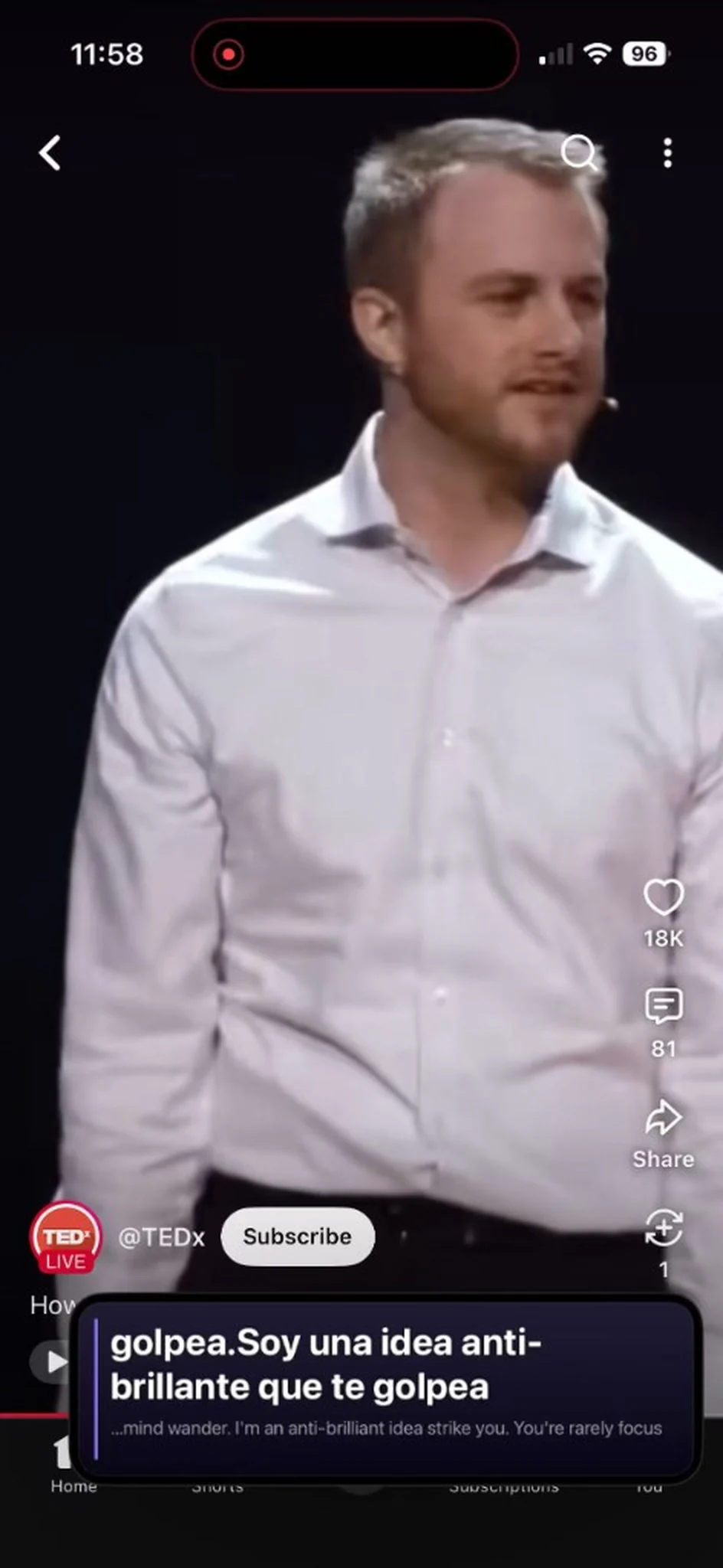
Floating bilingual subtitles sit on YouTube, calls, and anything else on your screen.
SpeechNotes+
Record lectures, caption YouTube, or capture a thought out loud. SpeechNotes+ transcribes and translates in real time, then turns the talk into summaries, flashcards, and quizzes — privately, on this iPhone. No account. No cloud for your audio.
SpeechNotes+ for iPhone
Download on the App StoreFloating bilingual subtitles sit on YouTube, calls, and anything else on your screen.
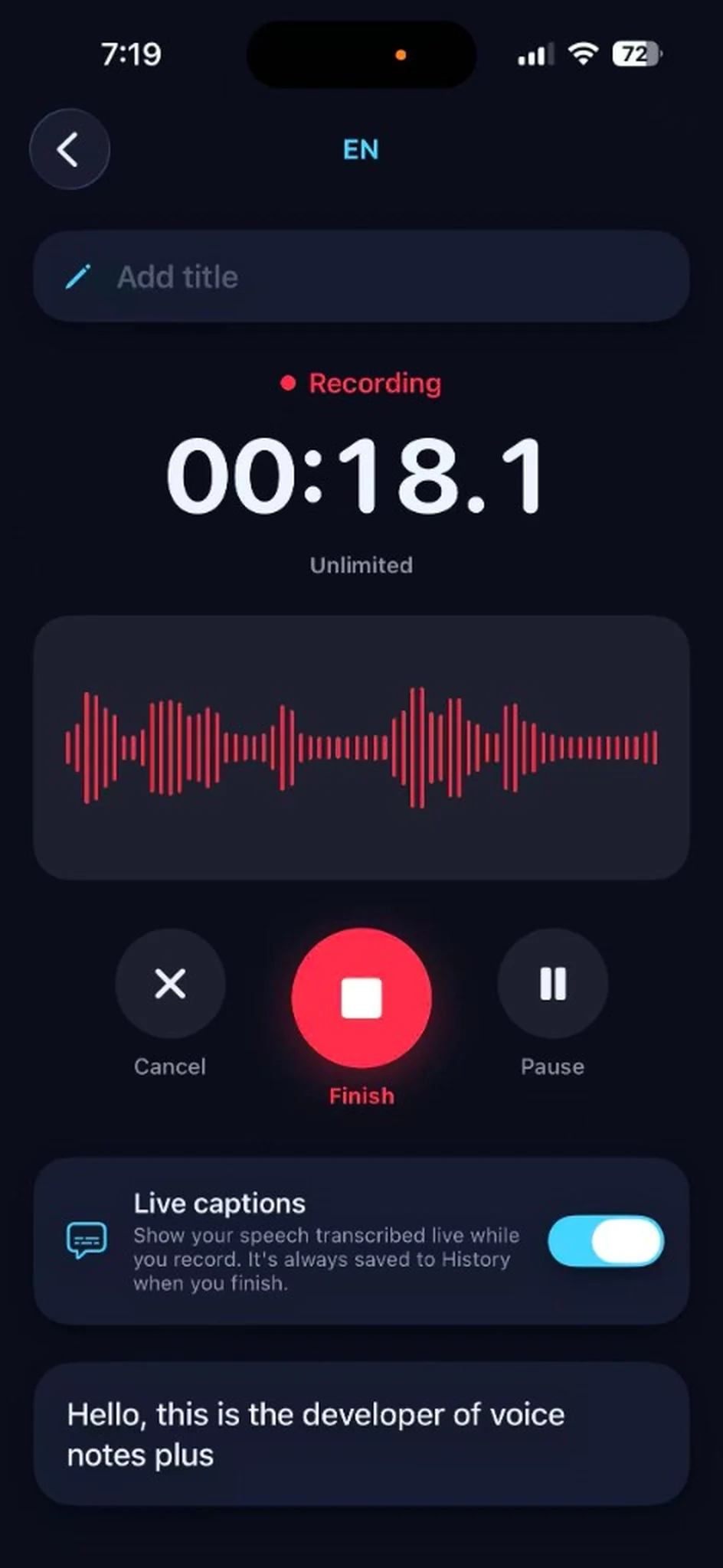
Live captions while you record. Finish, and it’s already in History.
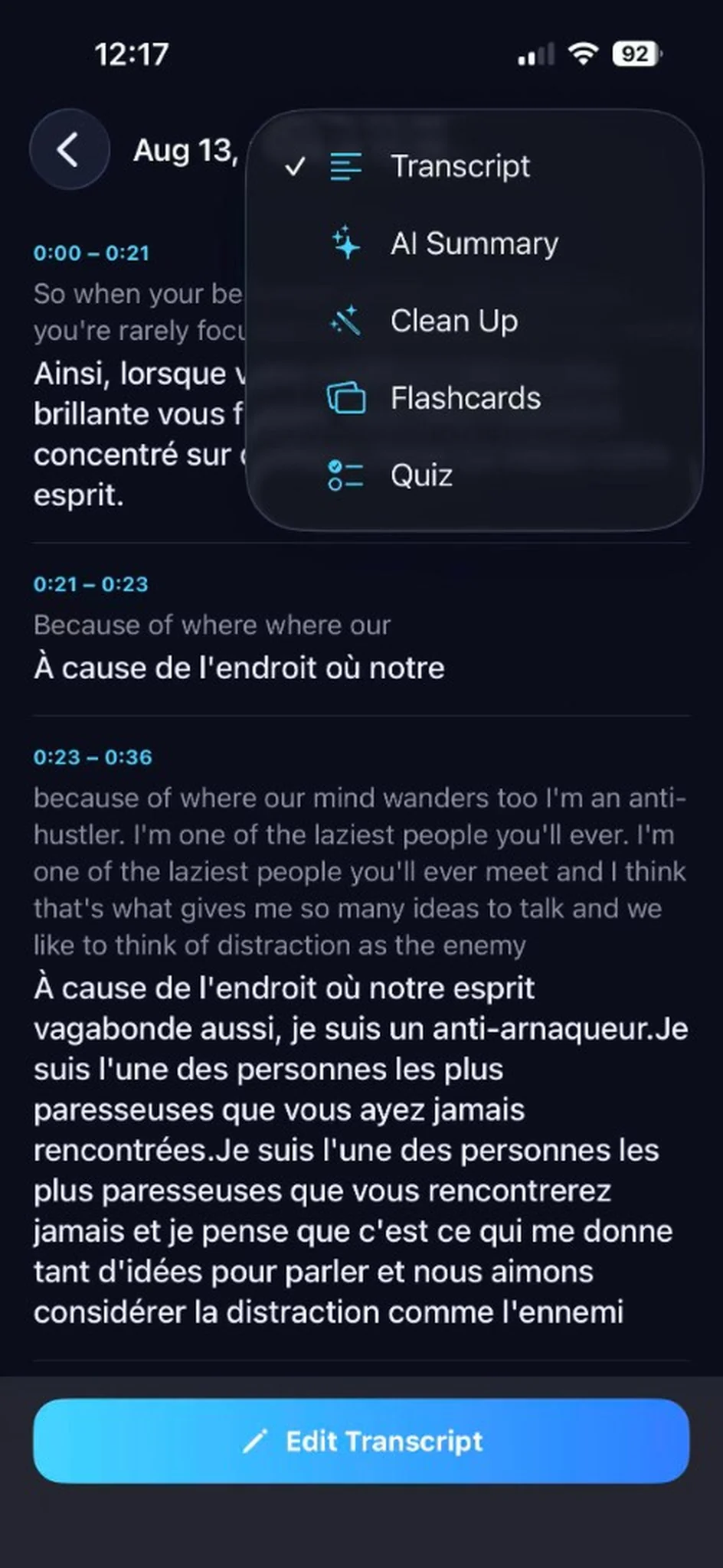
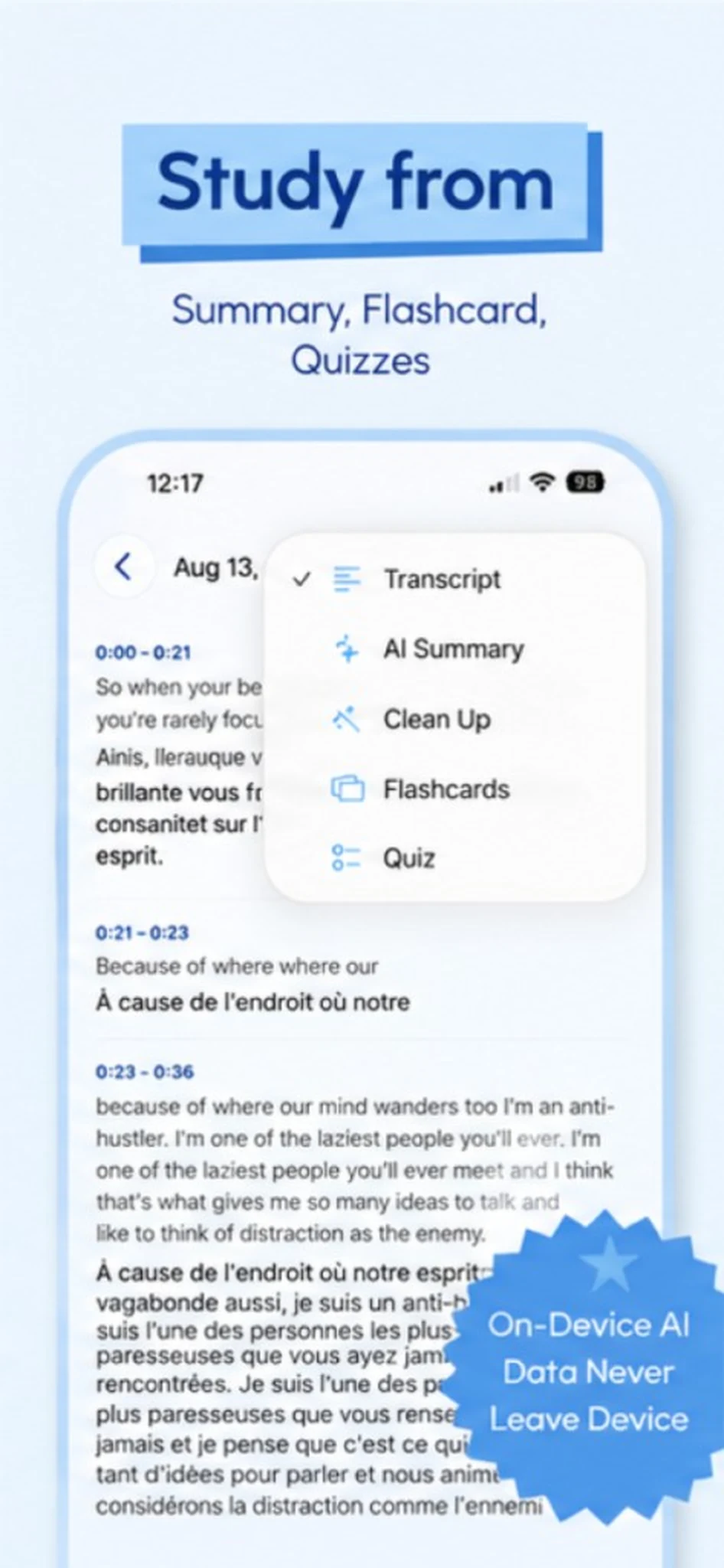
Open a recording and switch between transcript, summary, cleanup, flashcards, and quiz.
Multiple-choice questions and swipeable cards, built from the recording — in the language you choose.
Swipe through cards, flip for the answer, and mark what you know.
Questions come from the actual speech, not a generic topic list.
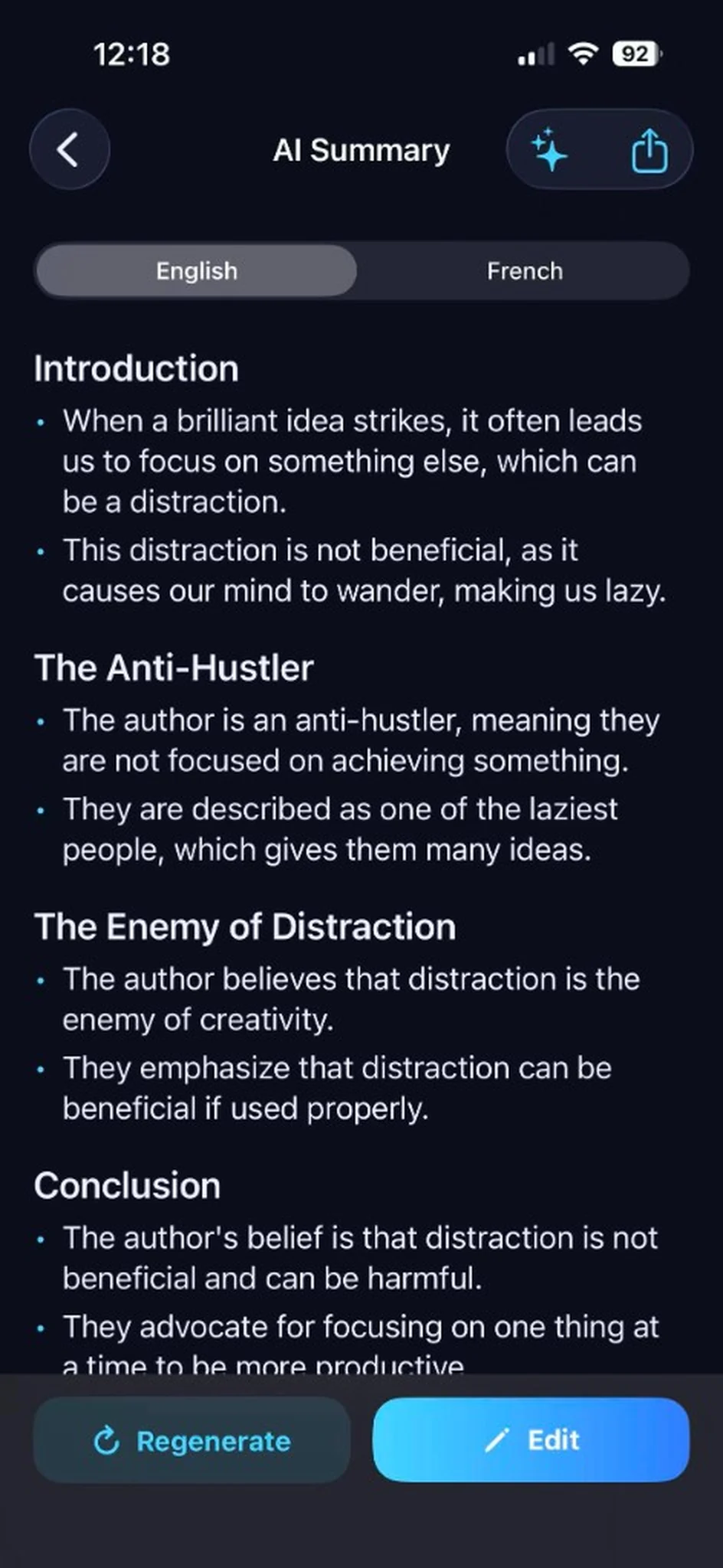
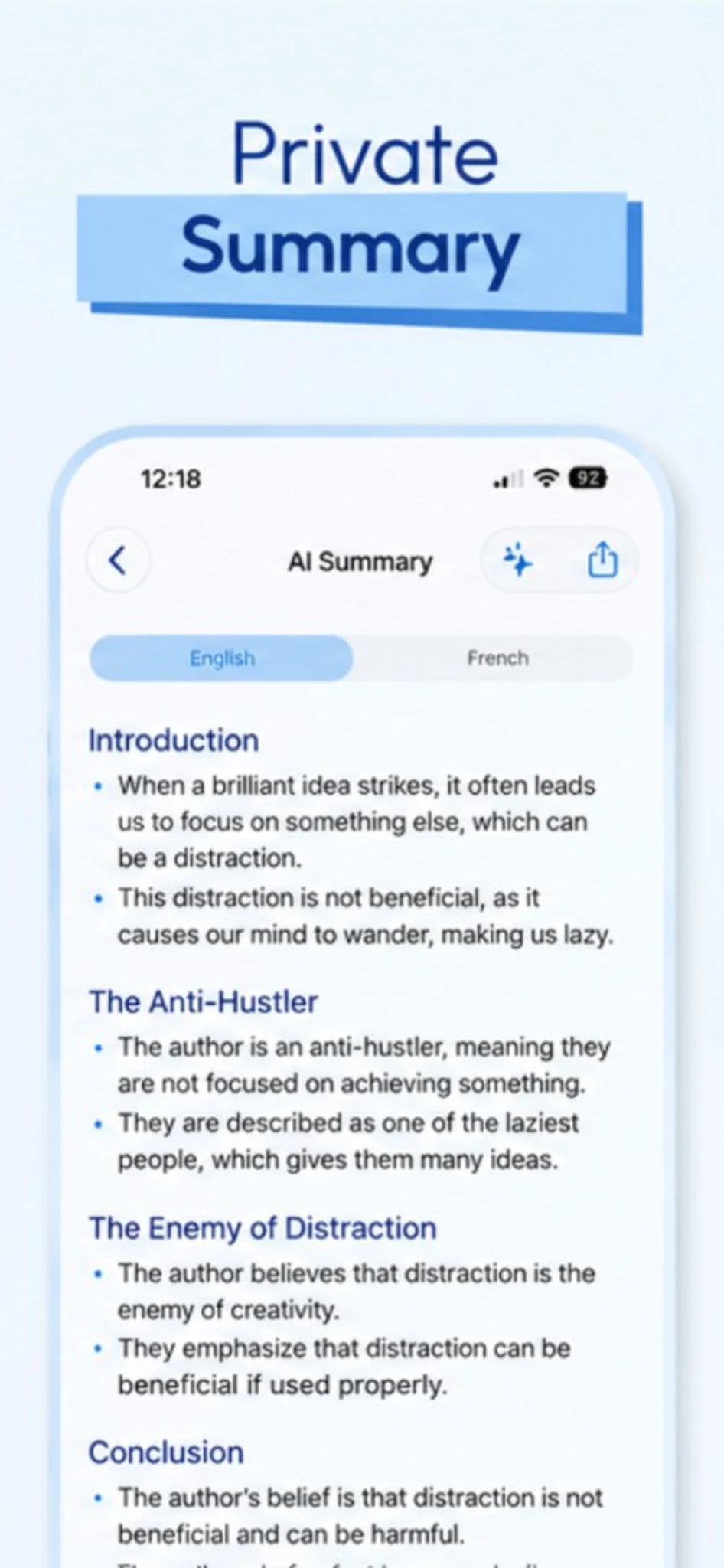
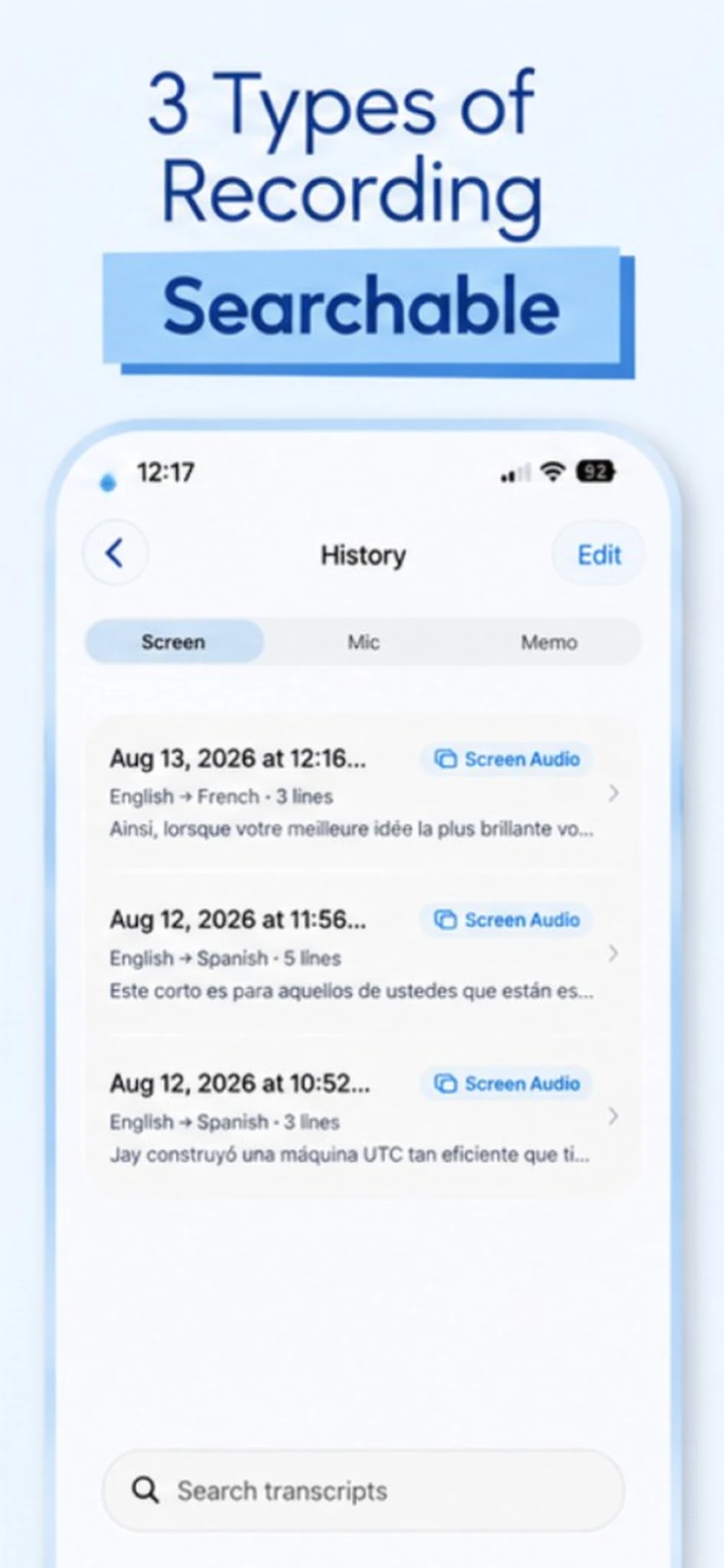
Structured notes with headings and bullets. Every session saved in one searchable list.
Generated on-device. Export as Markdown anytime.
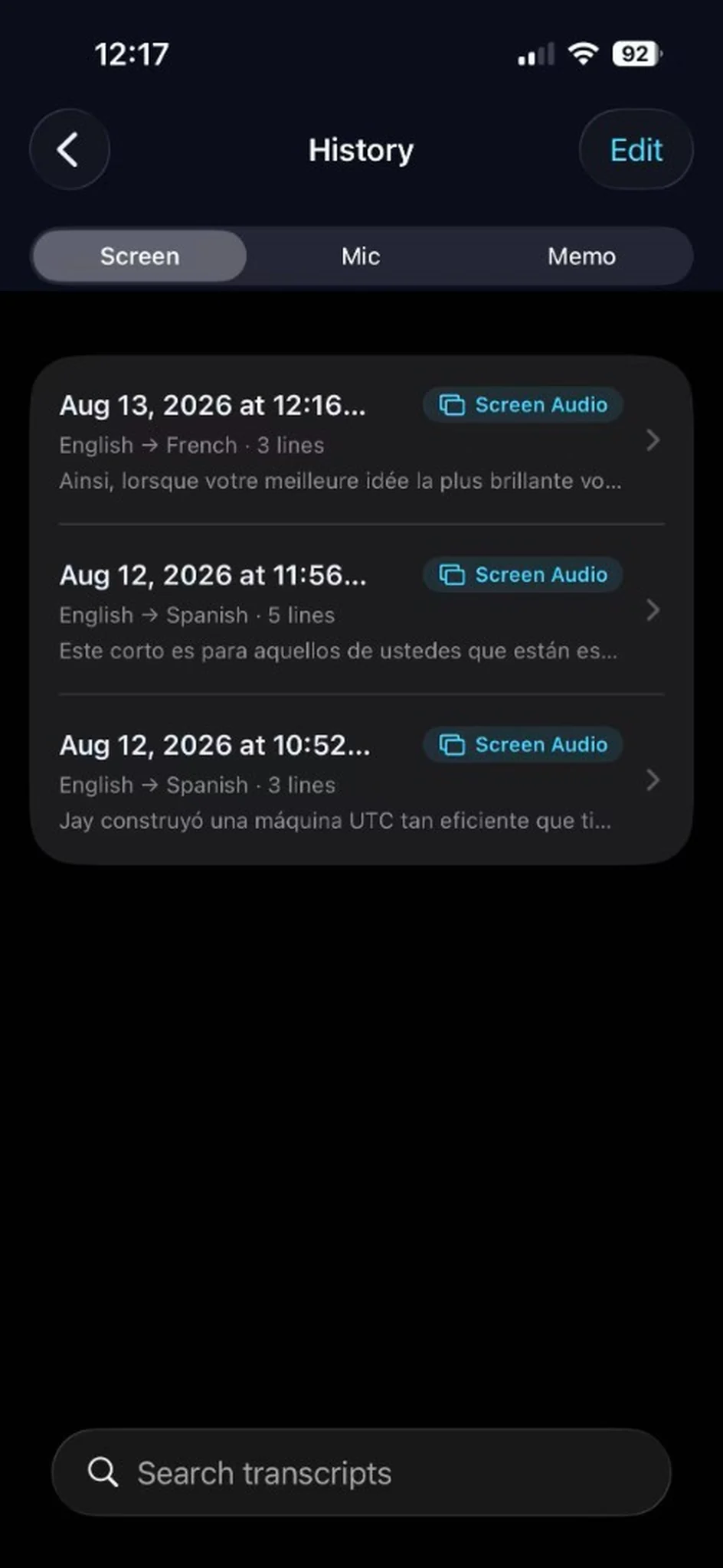
Screen, mic, and memo recordings land in one place.
Speech recognition and translation prefer Apple’s on-device engines. Summaries, cleanup, flashcards, and quizzes run on your iPhone — Apple Intelligence when available, otherwise a local model. We don’t create an account, and we don’t operate a server that receives your audio or text.
Captions, memos, transcripts, notes, and history — the same screens from the App Store.
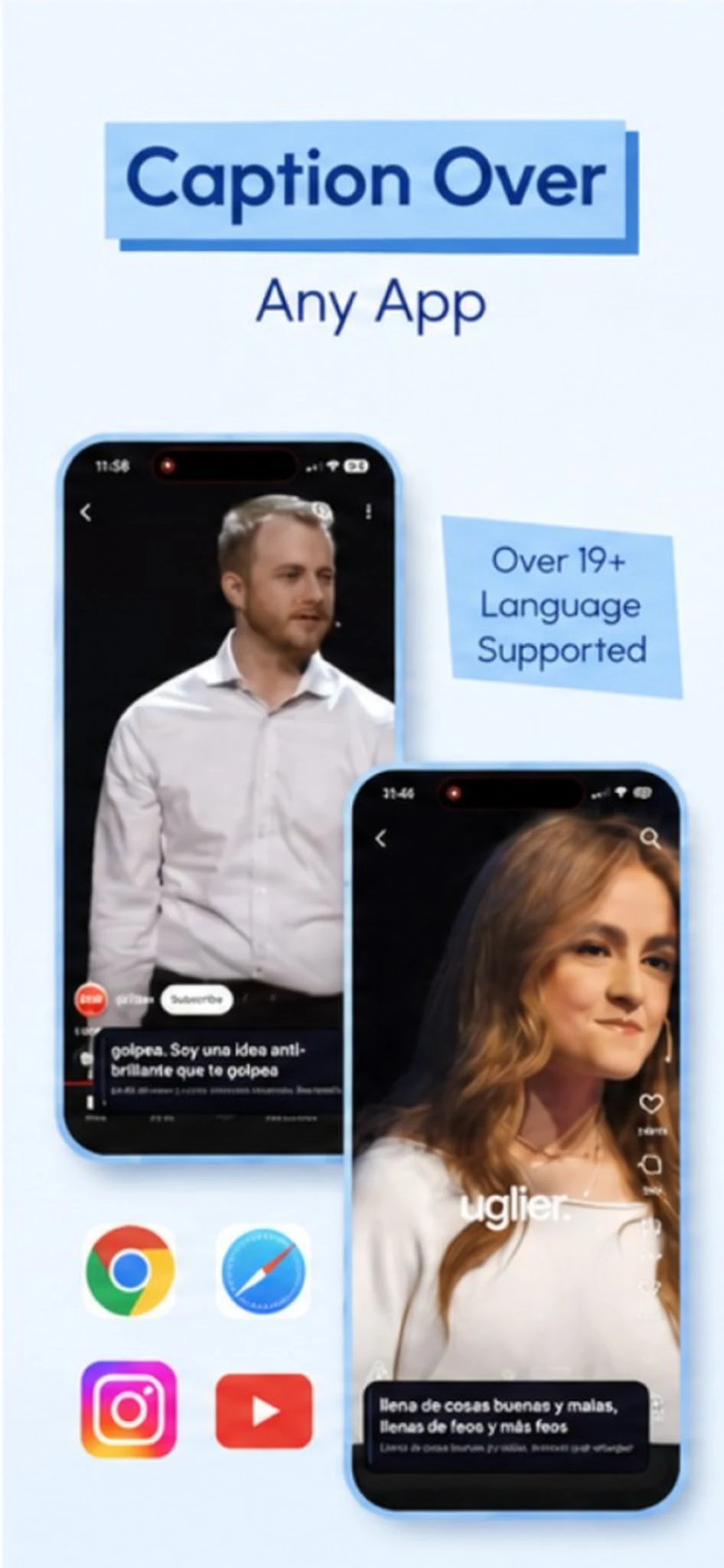
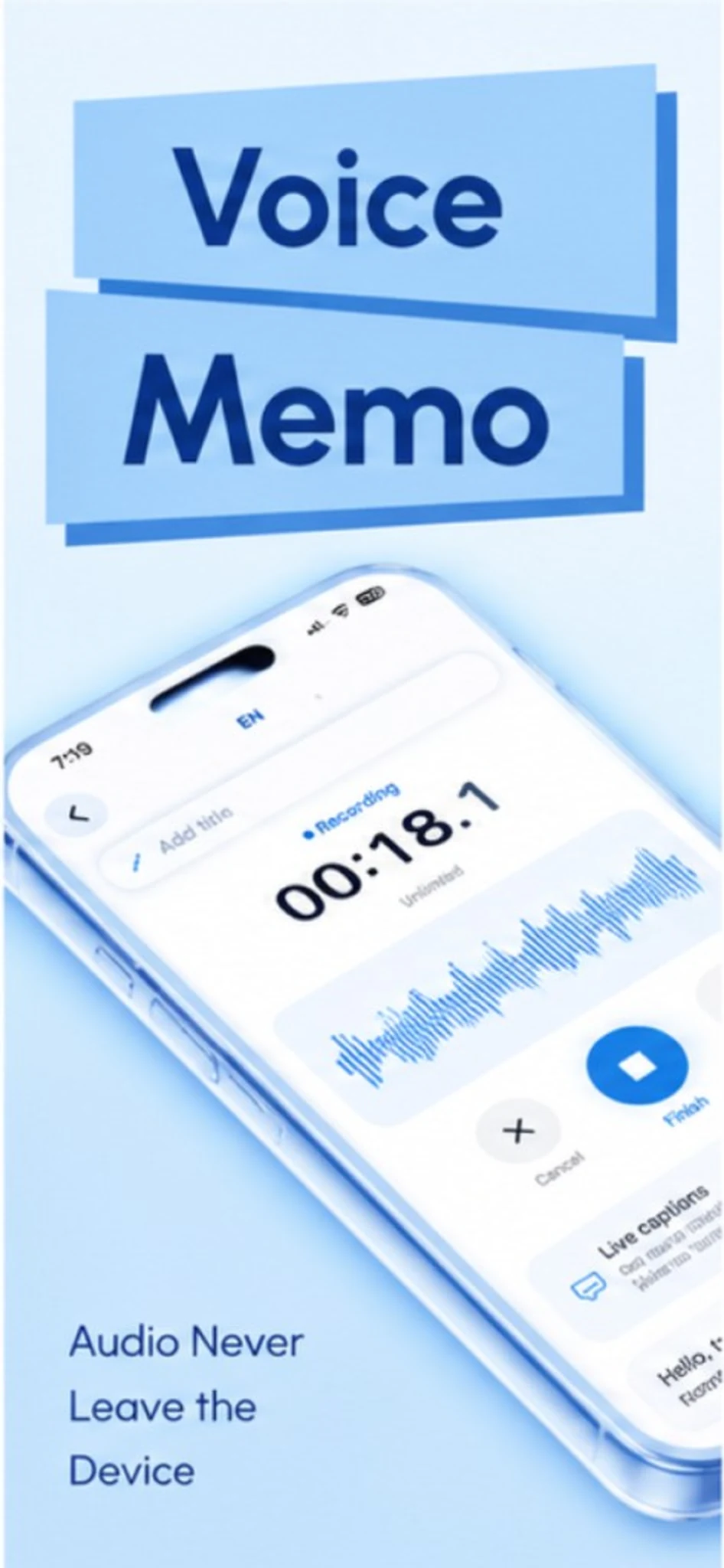
It turns speech into text on your iPhone. You can record a voice memo, capture the microphone, or caption another app with floating bilingual subtitles. Every session is saved so you can reopen the transcript, generate study notes, and export Markdown.
Yes. Start floating captions, then use Screen Broadcast so SpeechNotes+ can hear system audio. Subtitles sit over the other app via Picture-in-Picture. DRM’d services such as Netflix cannot be captured; YouTube, web video, podcasts, and your own files work.
Recordings, transcripts, translations, and study notes stay on your device. We don’t run our own analytics or advertising SDK, and we don’t use your audio to train models. See the Privacy Policy for details.
The free tier includes 5 minutes of transcription per day, shared across mic, screen, and memos. Premium removes that cap and unlocks summaries, cleanup, flashcards, and quizzes. Plans: $0.99 weekly, $4.99 yearly, or $9.99 lifetime.
No account. Language packs download once from Apple, and an optional on-device AI model can download from Hugging Face. After that, transcription, translation, and study tools can run offline.
SpeechNotes+ requires iOS 26.2 or later. On-device generation uses the GPU, so keep the app open while summaries, flashcards, or quizzes are building.
Can’t find the answer? Contact support.
Live captions, voice memos, and study notes — private by default.
Download on the App Store